Search that gets you
Typos, the wrong keyboard layout, Cyrillic instead of Latin: search the way you think.
Game launcher · Windows & Linux
Arachnel puts the catalog, downloads and library in one window. On Windows it just runs; on Linux the launcher fetches Proton and everything else it needs.
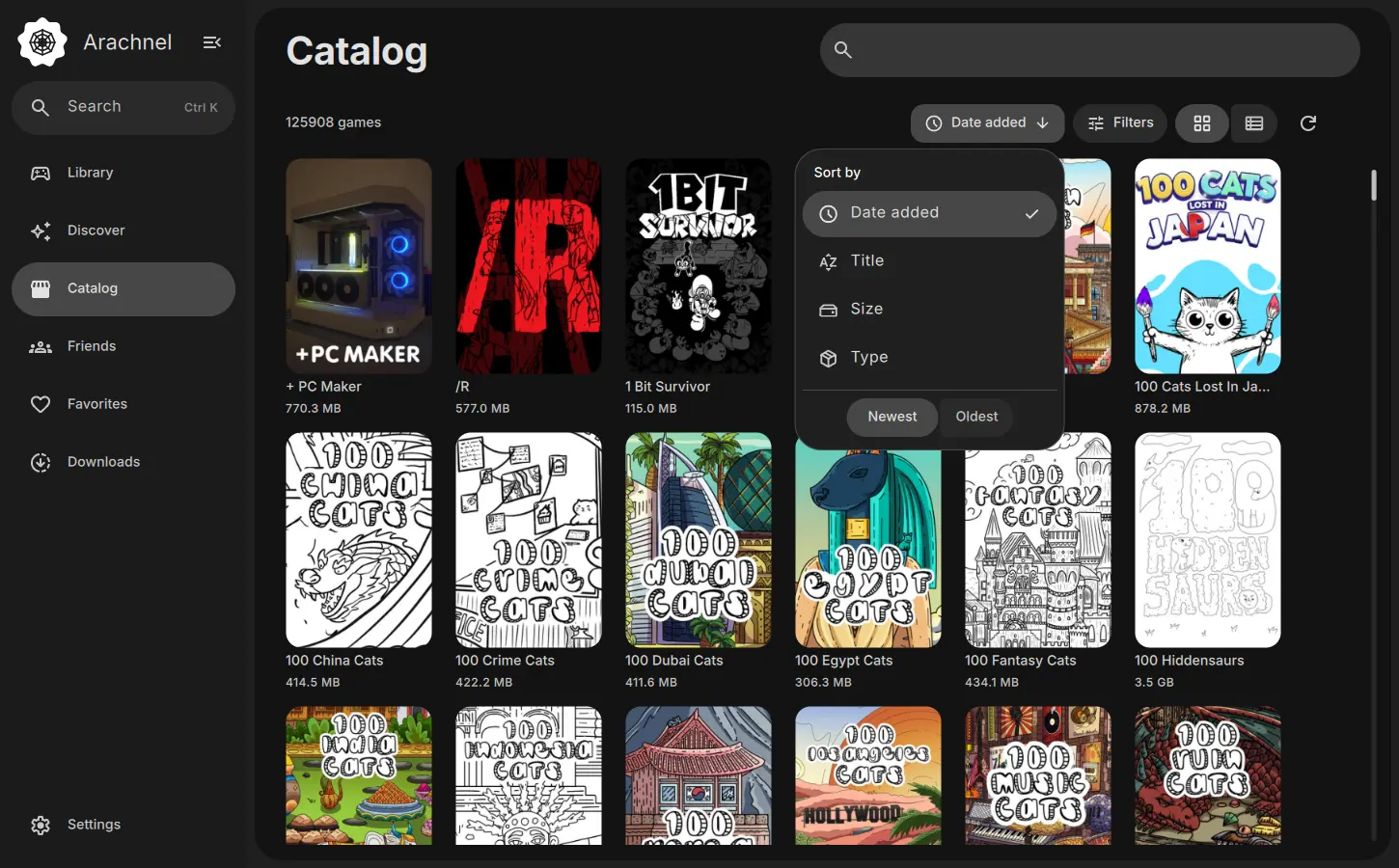
Plug and play
No system tweaking, no manual fiddling to get a game to start.
A catalog whose search forgives typos and mixes Cyrillic and Latin. Filters and sorting at hand.
Downloads with clear progress, installs into the folder you choose, game updates in your library.
On Windows the game simply starts. On Linux Arachnel sets up Proton for you, so you never touch the system.
Features
Typos, the wrong keyboard layout, Cyrillic instead of Latin: search the way you think.
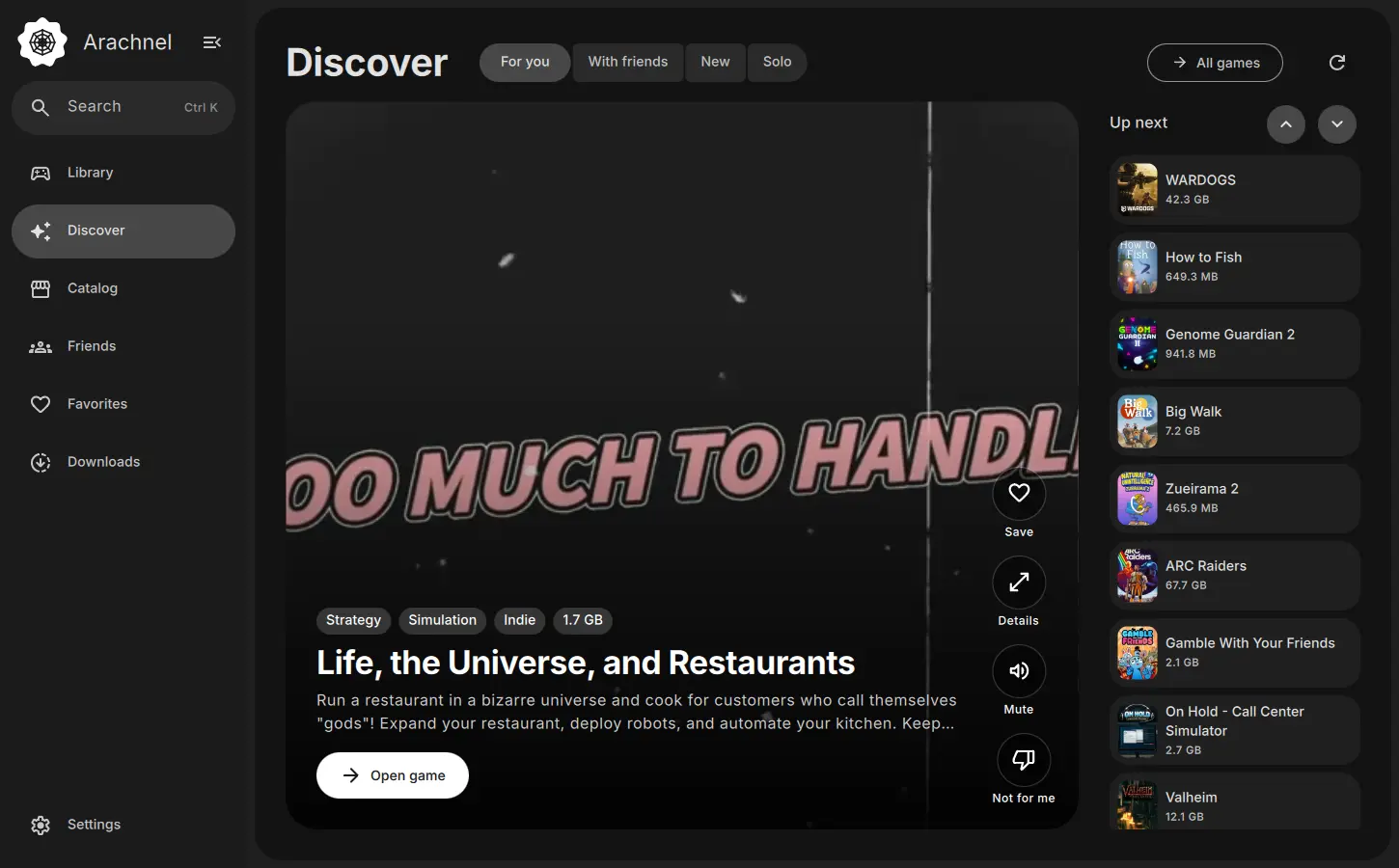
One game per screen: trailer, genres, Play and Not for me.
Proton is fetched automatically. The launcher ships as an AppImage: no packages, no dependencies.
Dark and light themes, palettes and an accent color. Try it right here.
There is no built-in catalog: a plugin connects a source and handles download, install and launch.
Add friends by code and see who is online and what they play.
Quick search and section switching without the mouse.
The interface is translated, and translations can be improved on Weblate.
Screenshots
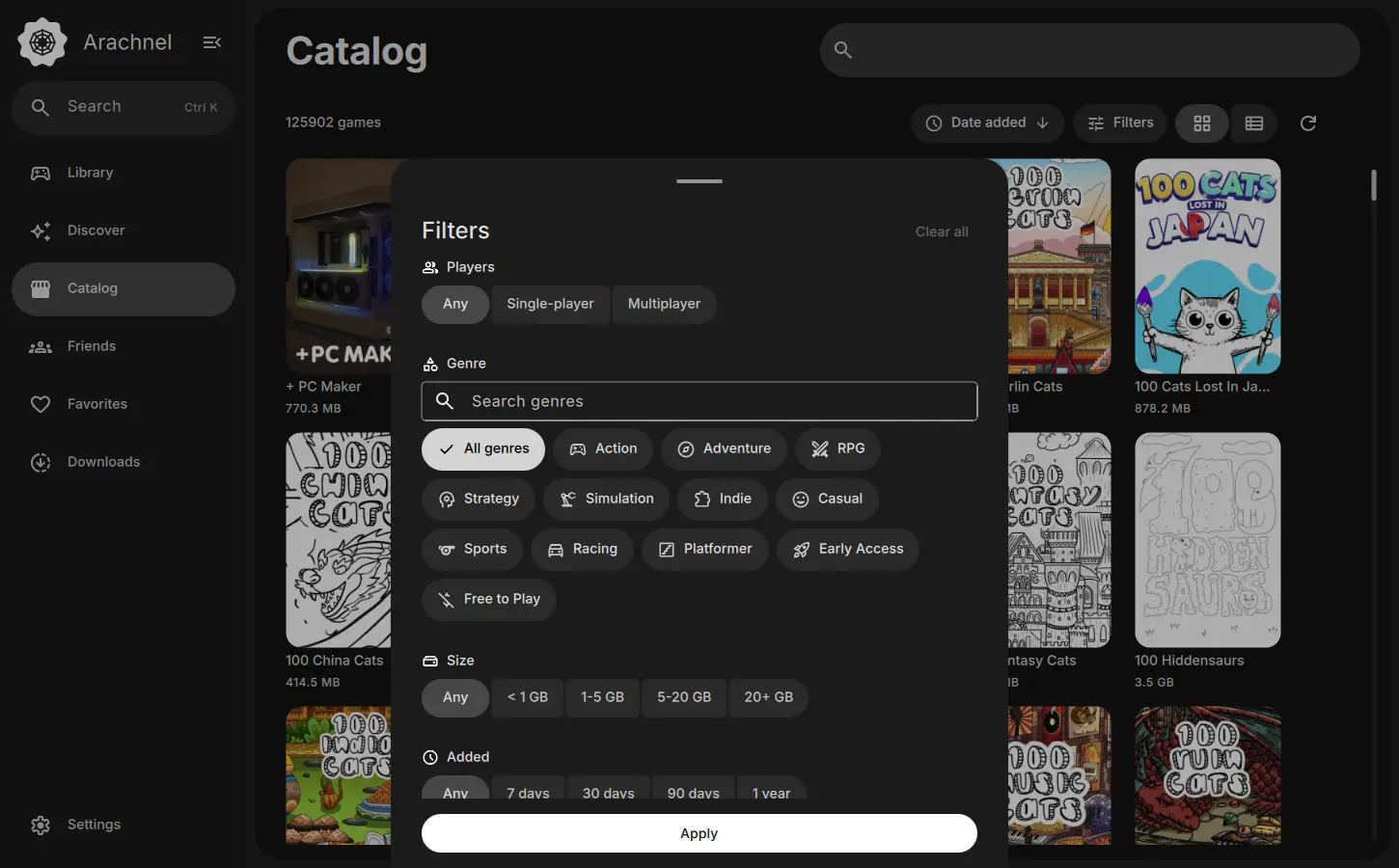
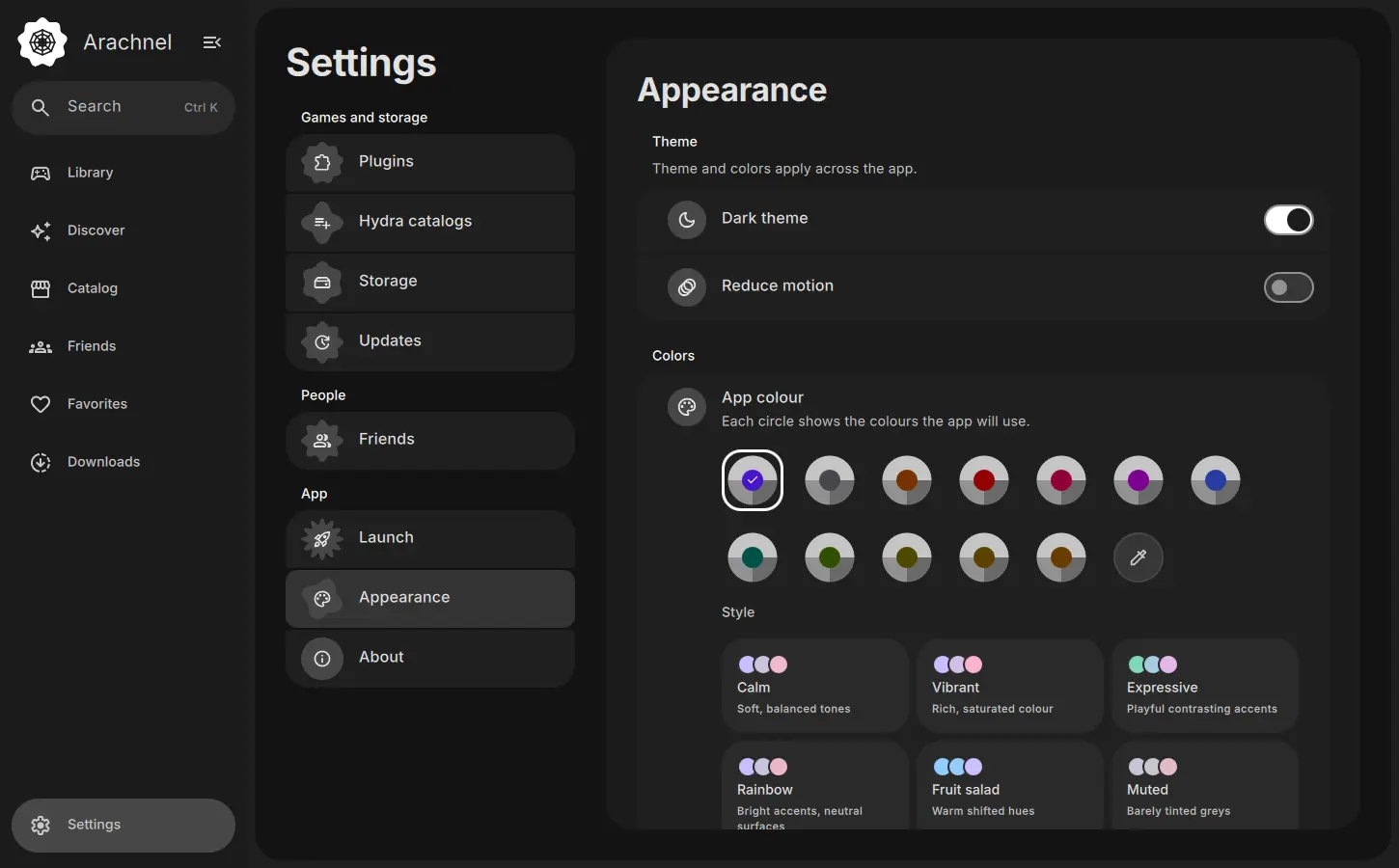
Screenshots use sample data.
Plugins
A plugin is a small add-on for a source. It fills the catalog and handles download, install and launch.
Download
The latest build is always on GitHub Releases. Checksums sit next to it.
Installer for Windows 10 and 11
Download .exe Setup.exex86_64 AppImage: make it executable and run
Download AppImage x86_64.AppImageFAQ
No built-in catalog. Sources are connected through plugins: a plugin fills the Catalog and handles download, install and launch.
The launcher fetches Proton and whatever else it needs to run games, so you don't have to set the system up by hand.
No. Games with DRM or anti-cheat may not work. It depends on the game and the source.
On GitHub Issues.
Yes, translations live on Weblate.